1
Import your episode
Add audio, paste a transcript, or bring in a podcast link.
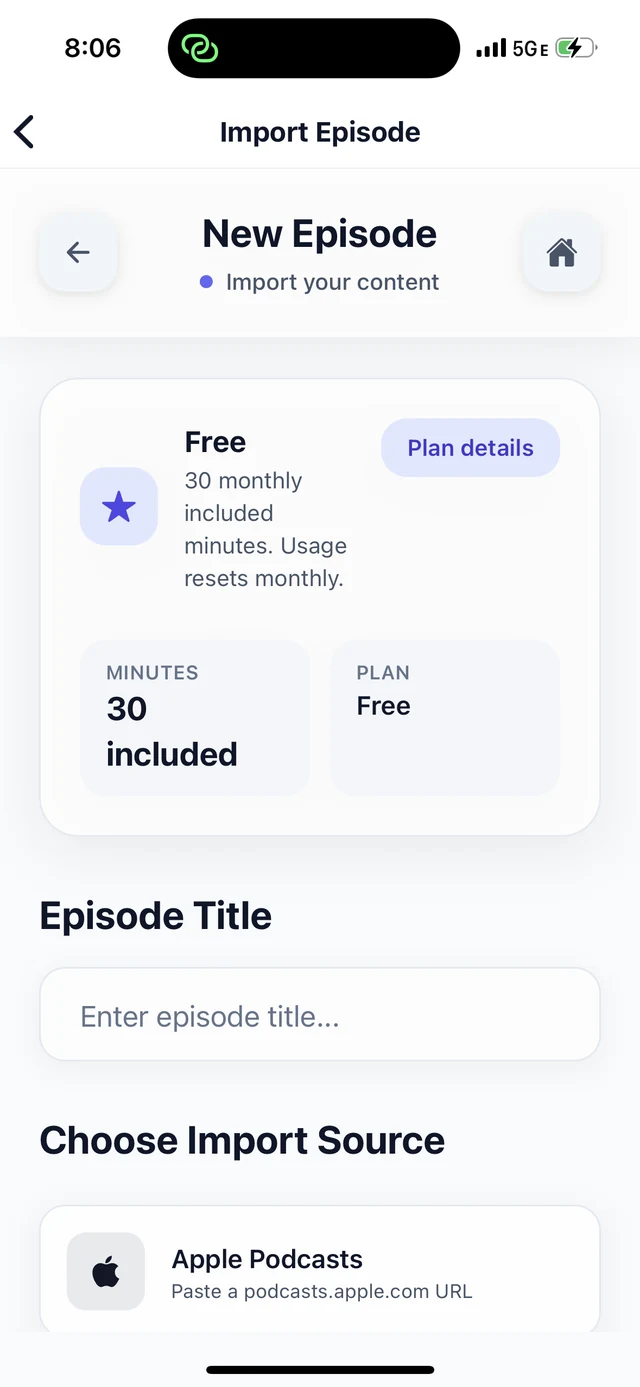

How it works
Import your episode, review AI-generated cards, and export clean Markdown or JSON from your phone.
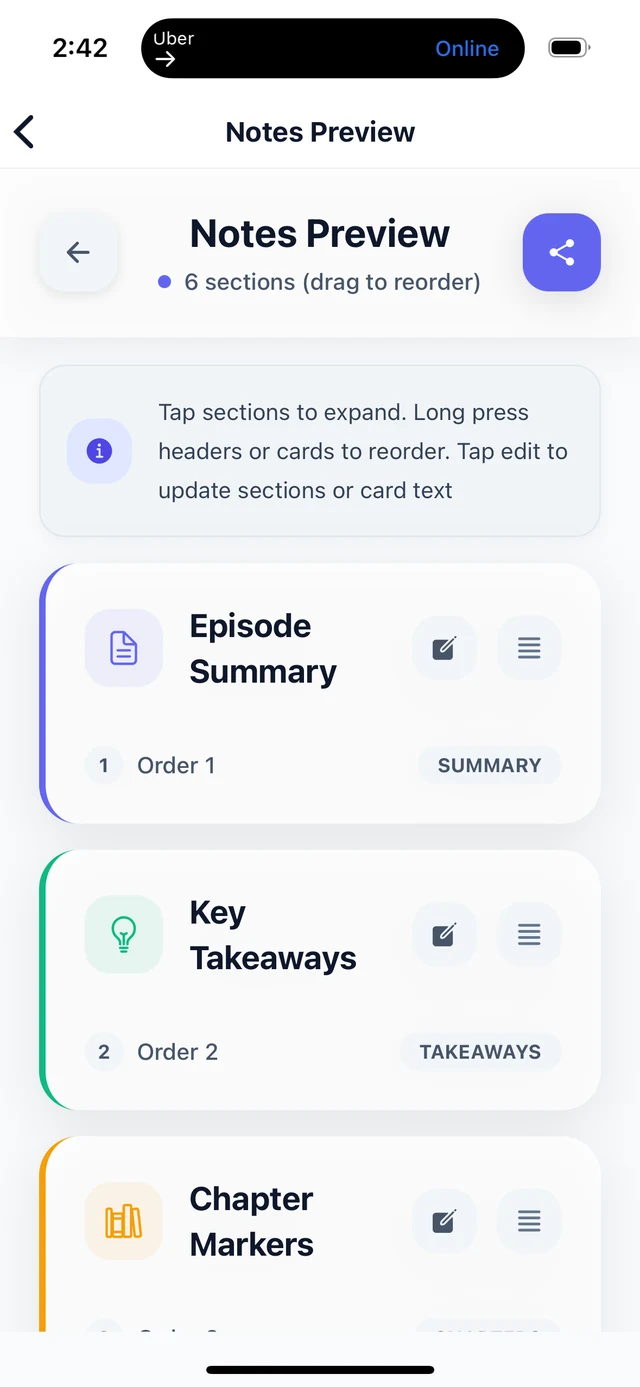
Workflow
Add audio, paste a transcript, or bring in a podcast link.
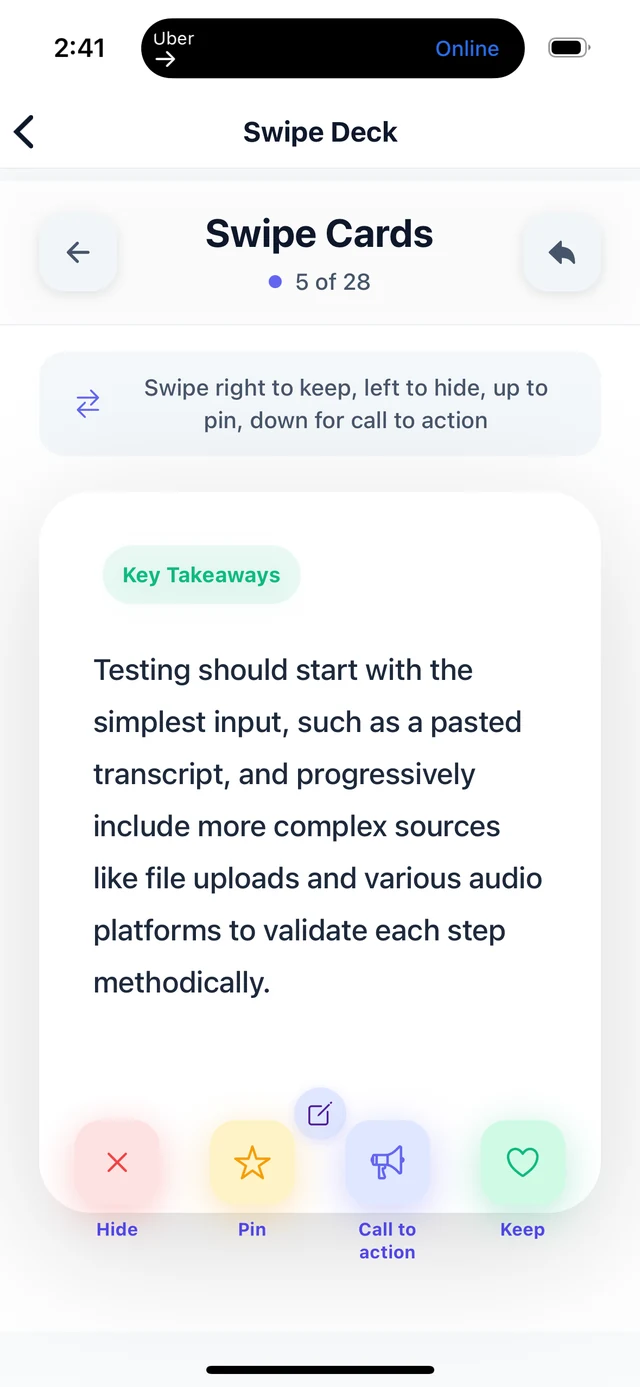
Review summaries, takeaways, quotes, chapters, and CTA ideas one card at a time.
See your selected cards turn into organized show notes before export.
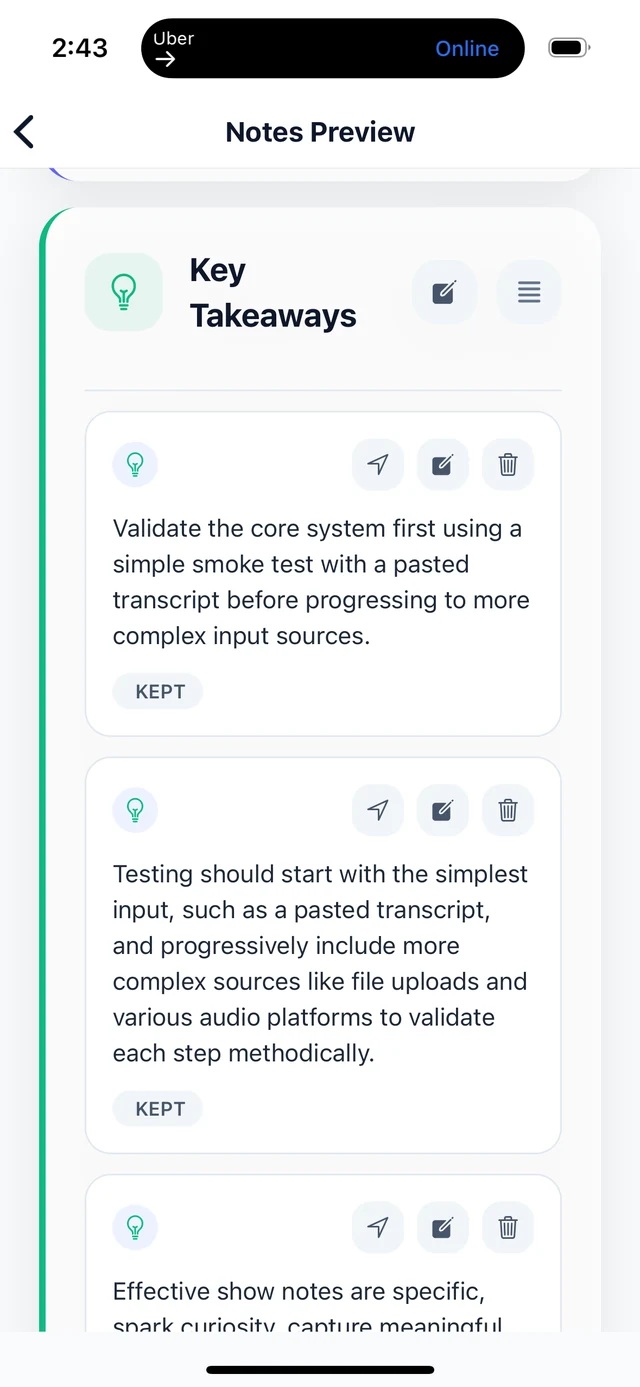
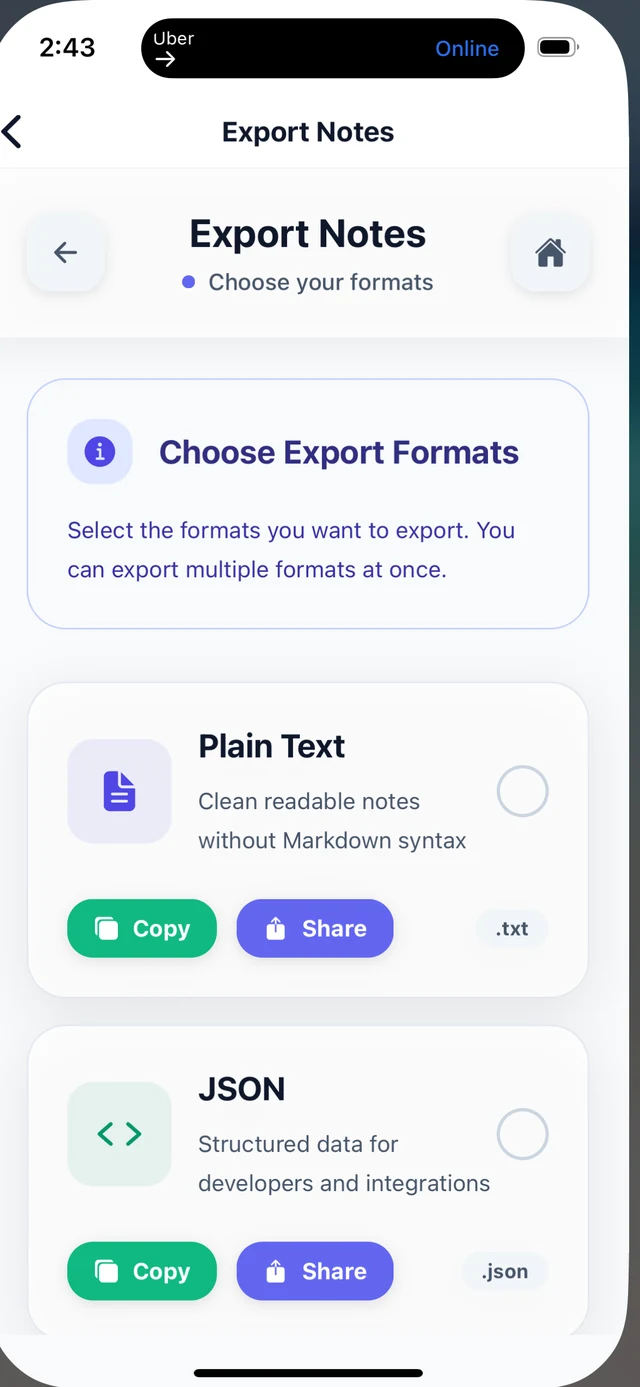
Export structured notes as Markdown or JSON for your publishing workflow.
FAQ
No. BriziNotes gives you AI-generated cards to review, keep, skip, or feature before your notes are exported.
Yes. You can paste a transcript or start from episode material and review the resulting cards in the app.
Current export messaging should only reference Markdown and JSON.
Join the BriziNotes waitlist for iPhone early access. Android is coming soon.