What is SRT to text?
SRT files are subtitle files with timestamps and caption lines. Converting SRT to text means turning those captions into readable transcript content without the subtitle formatting getting in the way.

SRT/VTT to text
Explore how caption material can become readable transcripts, summaries, takeaways, and show notes in BriziNotes. This page explains the workflow; it does not process files.
00:02:15.000 --> 00:02:42.000
Consistency compounds. The best shows aren't lucky - they're systematic.Strong podcast systems turn scattered caption text into organized notes, quotes, and summaries.
Caption cleanup
SRT files are subtitle files with timestamps and caption lines. Converting SRT to text means turning those captions into readable transcript content without the subtitle formatting getting in the way.
VTT files are web caption files often used for online video and podcast clips. VTT to text cleanup helps make caption content easier to review, summarize, and reuse.
Raw captions are useful, but they are not show notes. Clean notes help you find takeaways, quotes, chapters, and listener-friendly summaries faster.
BriziNotes gives podcasters an app-first way to review caption text and turn it into summaries, takeaways, and polished episode notes from their phone.
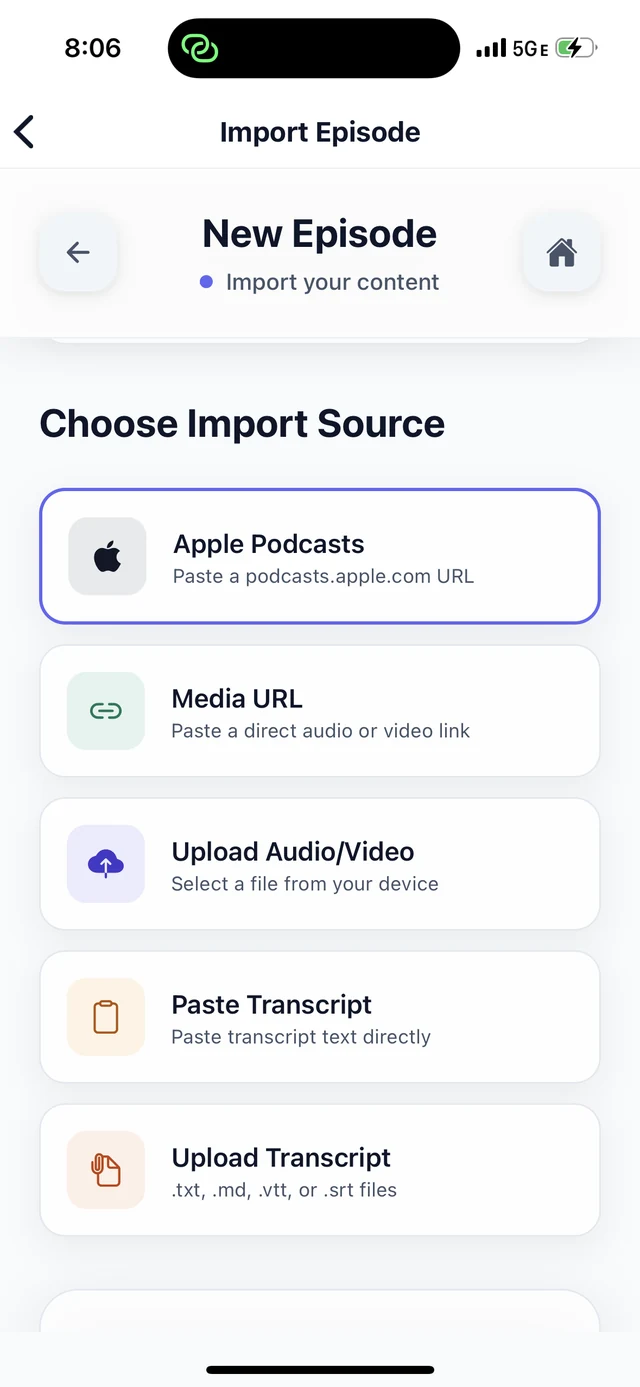
Start from SRT or VTT caption text connected to your episode or clip.
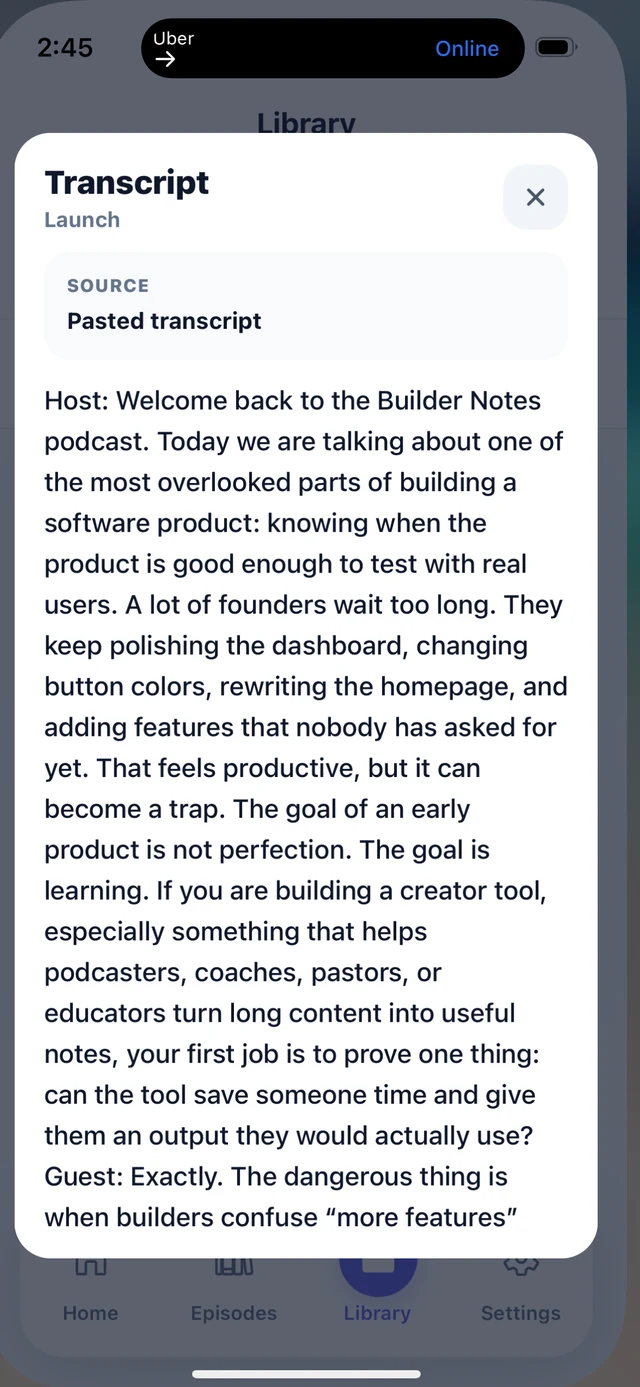
Move from caption formatting into a cleaner review flow on your phone.
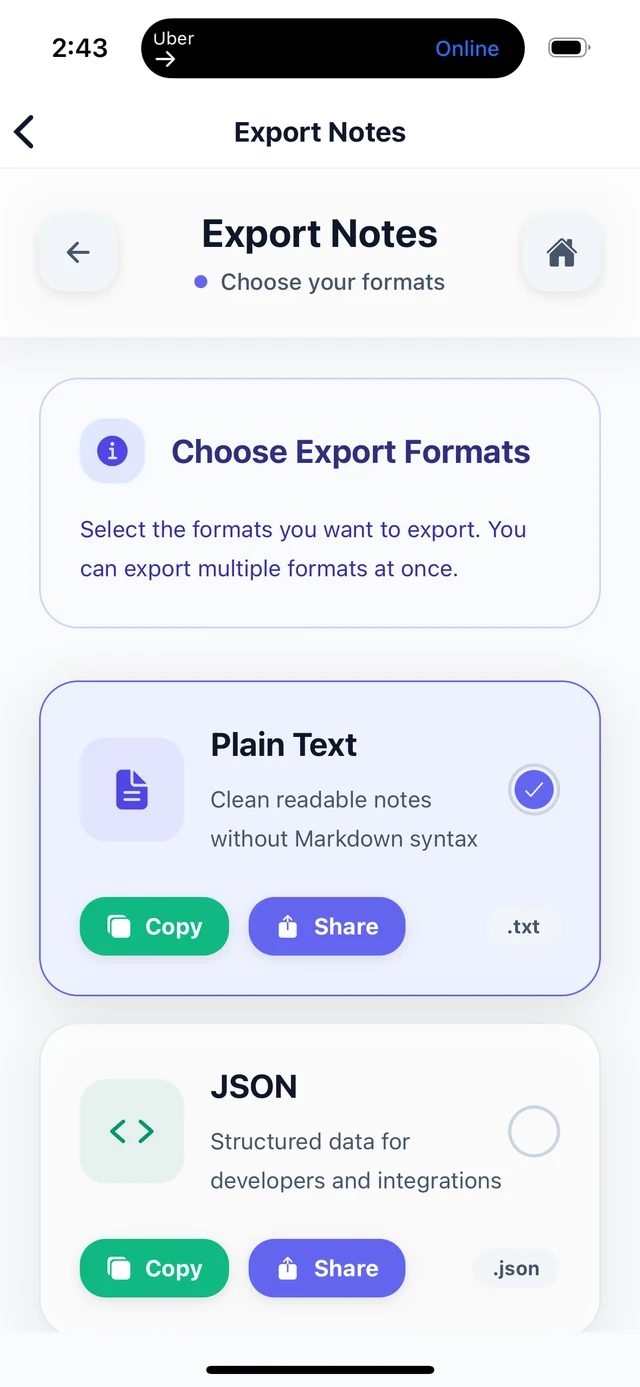
Build useful episode notes from the caption material you already have.
App screenshots
BriziNotes helps turn caption text into readable transcripts, summaries, takeaways, and show notes inside the phone app.
Using this tool? Join the BriziNotes waitlist for iPhone early access. Android is coming soon.